1.1
Perch speaks Slovak
The whole app is translated, and you can write reminders in Slovak too: type
vysávať každú stredu o 9and Perch works out the task, the repeat and the time. (In English, this means “hoover every Wednesday at 9”, since you asked.)- Set a date without typing one. Click the date to pick it off a calendar, or the time to set it on a clock.
- A Due Date menu, one right-click away. Today, Tomorrow, This Weekend or Next Week, each set for the whole day, so nothing lands instantly overdue. Duplicate lives in the same menu.
- Open Perch straight into what you want to see. Today, Upcoming, All and No Date each get a shortcut that works from any app: ⌃⌥1 through ⌃⌥4. You can rebind any of them in Settings.
- Completed reminders can stay in view. A new setting keeps the last day’s finished items at the bottom of the list.
- Settings is a proper window now, with General, Shortcuts and About, rather than a panel fighting for space with your reminders.
New here? First launch now opens with a welcome: where Perch lives, the shortcut that summons it, and how to add a reminder in plain words. Plus the usual smaller refinements and fixes throughout.
1.0
Perch is out!
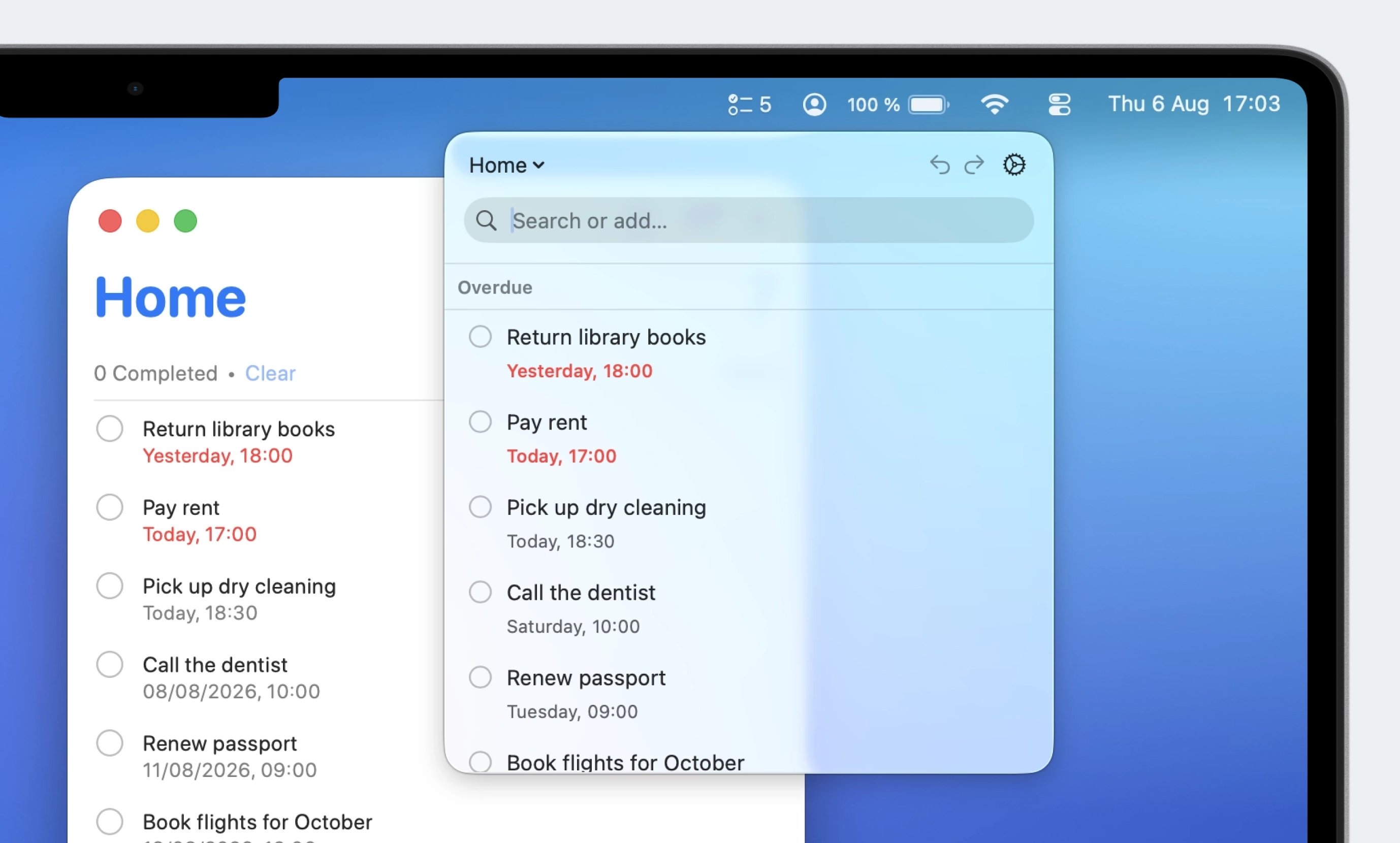
Perch is your new Apple Reminders companion that lives in the menu bar Perch 1.0 is live on the Mac App Store. It is my first macOS app.
Perch lives in the menu bar and opens with a hotkey (⌥Space, rebindable). Type a reminder in plain English and the interpretation strip shows the date, list, and priority it understood before you commit. It works with your existing Apple Reminders, in the same lists you already have.
In 1.0:
- Full keyboard control. Everything is doable without the mouse.
- Scopes: Today, Upcoming, All, No Date, or any list, switchable with ⌘1–4 and ⌘L.
- Completed items linger briefly, so a mis-tap is one undo away.
- VoiceOver actions on every row.
- Ten interface languages, with quick entry reading English.
No account, no network, nothing collected. Reminders stay on your Mac and sync through your own iCloud.
Changelog