One for work. One for family. One for the flight.
Make a view for anything you need to see coming. Keywords, calendars, and a date range, set once. Soona keeps it current.
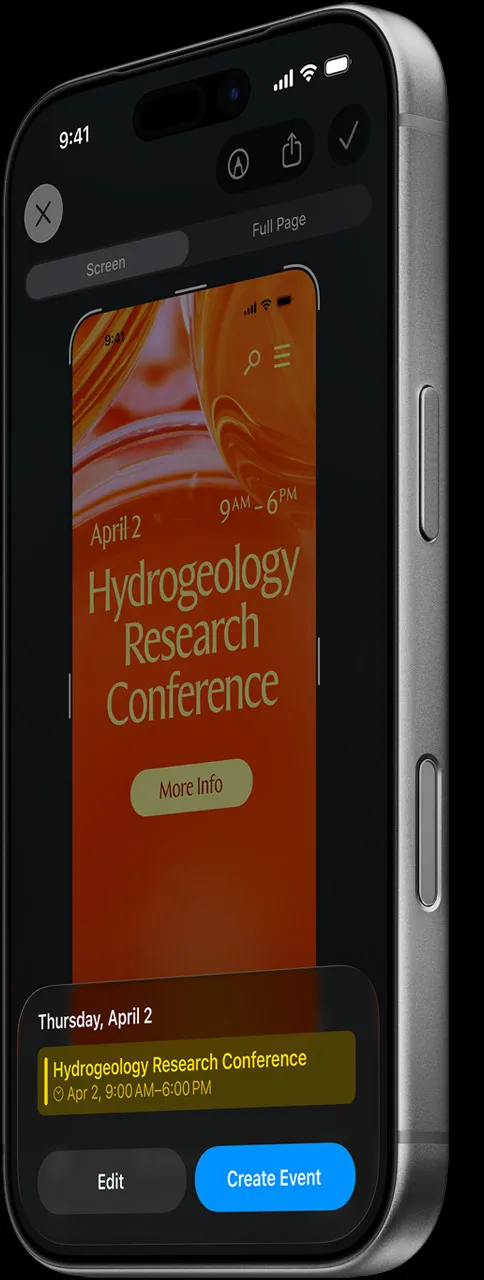
Soona filters every calendar on your iPhone into focused views, on your screen and your wrist. The events that matter most surface in time to prepare.
Soona does two things well: it filters what matters, and shows how soon it's happening.
Make a view for anything you need to see coming. Keywords, calendars, and a date range, set once. Soona keeps it current.
Home Screen, Lock Screen, StandBy, and your wrist. Updating live.
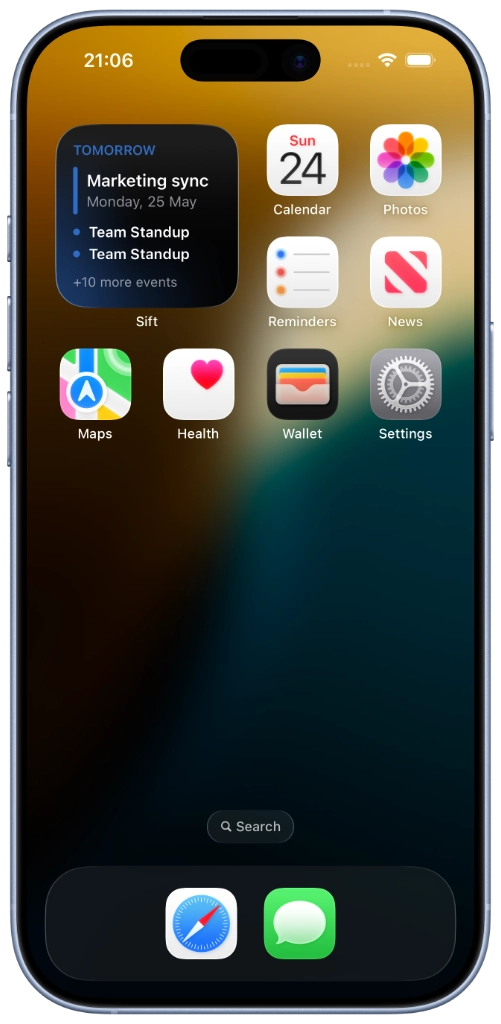
12 accents, all free. Try one on this page.
Soona reads your calendar events directly on your device. No account, no trackers, nothing sent anywhere from the app. Learn more
Save your rules once, and Soona makes what's next easy to spot on the calendars you already use. No manual upkeep, no second calendar to manage.
Keywords, calendars, and date range: whatever defines what you need to see coming. You set it once; Soona remembers and keeps matching.
Every matching event from every calendar, grouped by day. As you add, edit, or delete events, Soona stays current automatically.
Add a widget and the countdown sits on your screen or wrist. Glance and know how soon the next thing is without opening the app.
A note from the maker
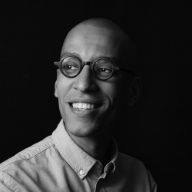
I saw every event, but missed the urgency. Calendars were full, but important things still felt far away until they were suddenly tomorrow. I built Soona to surface what matters and show how soon the next thing is happening.
The name is 'sooner' without the r. That's the whole idea: the next thing is sooner than you think.
I build Soona on my own. If you choose Soona Plus, you're supporting the app directly. No ads, no investors, and no selling data from your calendar. Everything stays on your device, by design. Write to me with questions or feedback. I read every message.
No. Soona reads your existing Apple Calendar and everything synced to it, including iCloud, Google, and Outlook. Your events stay where they are. Soona brings matches from your views into sight and counts them down.
You can, but they're different tools. Hiding a calendar is all-or-nothing. Soona filters across every calendar at once (by keyword, calendar, and date range), so what's next stays visible.
A saved set of rules for what you want to see coming: calendars, keywords, and date range. Use one for therapy, one for weekly meetings, one for a holiday countdown. See Views in Help for every field.
Free includes 3 views, built-in keywords, widgets, Siri, Shortcuts, Spotlight, view sharing, and iCloud Sync. Soona Plus adds unlimited views, custom keywords, advanced narrowing, hidden events, and per-view alerts. Full breakdown in Soona Plus.
Long-press the Lock Screen or Home Screen, open Customize or Add Widget, choose Soona, and pick a saved view. All widget types are free. Step-by-step in Widgets.
Yes. In the app, your events are read on-device using Apple's own calendar system. There are no servers, nothing sent anywhere, and nothing we could see even if we wanted to. More under Your data.
Yes, as long as they're synced to Apple Calendar. iCloud, Google, Outlook, and Exchange all work. If it appears in Apple Calendar, Soona can filter it.
Soona is built for iPhone and Apple Watch. iPad and Mac apps are on the roadmap.
Something else on your mind? Send us a note
Download Soona, save one view, and put what's next where you'll see it. Your calendars are already connected.